How to bulk delete Shopify products, customers or collections (with undo)
Delete hundreds of Shopify products, customers or collections from a list, confirm it first, and undo the deletion for 30 days, or archive instead of deleting.
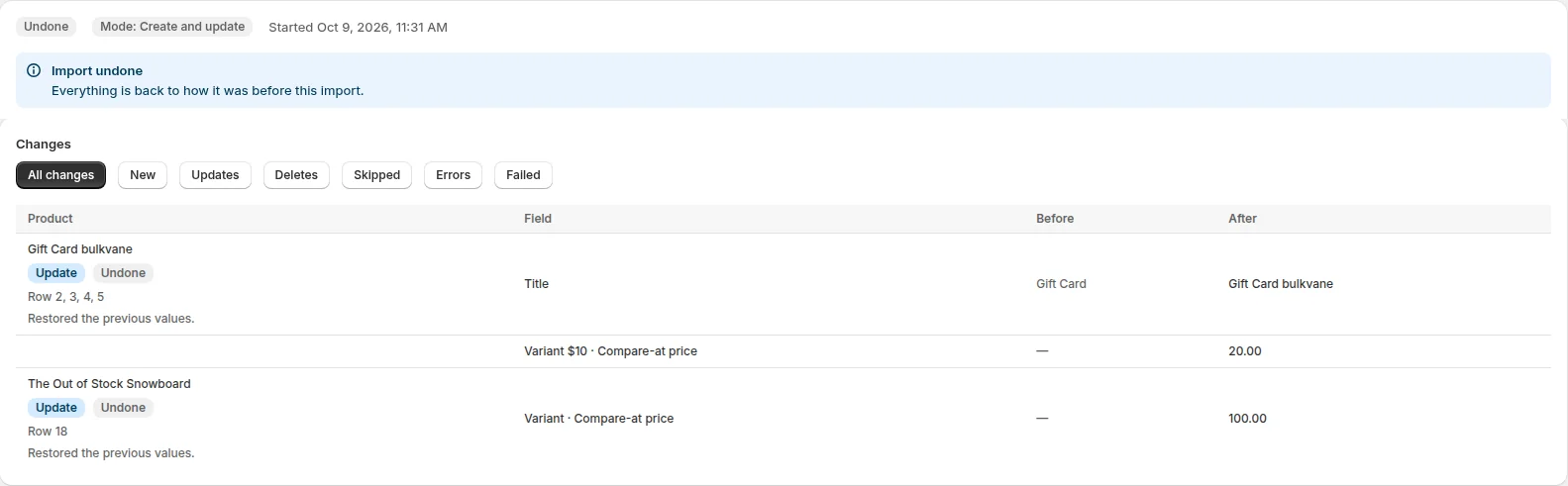
Deleting in Shopify admin
In Shopify admin you can select products on the Products page and delete them. Deletion in Shopify is permanent (there's no way to get a deleted product back), so Shopify suggests archiving products you might want again.
Delete from a list with Bulkvane
- Export the products, customers or collections you want to remove (filter by vendor, type, tag or status), or make a file with just an ID or Handle column (Email works for customers).
- Open Import, add the file and choose the Delete mode. Only the ID or Handle is used; every other column is ignored.
- Click Check file. The preview lists every item that will be deleted.
- Type DELETE to confirm, then apply.
Undo a bulk delete
Before deleting anything, Bulkvane saves a snapshot of each item. For 30 days, Undo this import on the job page re-creates everything the import deleted. Re-created items get new IDs, so links that used the old ID (in other apps, for example) won't follow. See undo an import.
Archive instead of delete
Not sure you'll never need a product again? Archive it. Archived products leave your store but stay in Shopify, and can be unarchived any time. In your file, set Status to Archived and import with Update only. The preview shows each status change before it's applied.
How many at once
One job can delete as many items as your plan allows per job: for products, 10 on Free up to 100,000 on Pro. For more, split the list into several files. See import modes for what each mode does.
Frequently asked questions
Can I recover deleted products in Shopify?
Not in Shopify, where deletion is permanent. After a Bulkvane delete, Undo re-creates the products for 30 days, with new IDs.
How do I bulk archive products instead?
Set the Status column to Archived and import the file with Update only. Archived products leave the store and can be unarchived any time.
Why can't I delete some customers?
Shopify doesn't allow deleting customers who have orders. The preview flags each one, and the rest can still be deleted.
How many products can I delete at once?
As many as your plan allows per job: 10 on Free, 5,000 on Starter, 50,000 on Growth and 100,000 on Pro. Split bigger lists into several files.
Related guides
How to bulk edit products in Shopify (2026 guide, 3 methods)
Bulk edit Shopify product data three ways (the admin bulk editor, a CSV import or an app), with steps for prices, tags, SEO, metafields, variants and stock.
· 14 min read
Import supplier CSV files into Shopify over FTP or SFTP
A practical guide to importing supplier CSV files via FTP, FTPS or SFTP into Shopify: SKUs, inventory locations, preview and safe updates.
· 2 min read
How to schedule Shopify product exports daily or weekly
Set up recurring Shopify CSV or Excel exports with saved templates, daily or weekly schedules, job history and completion notifications.
· 2 min read
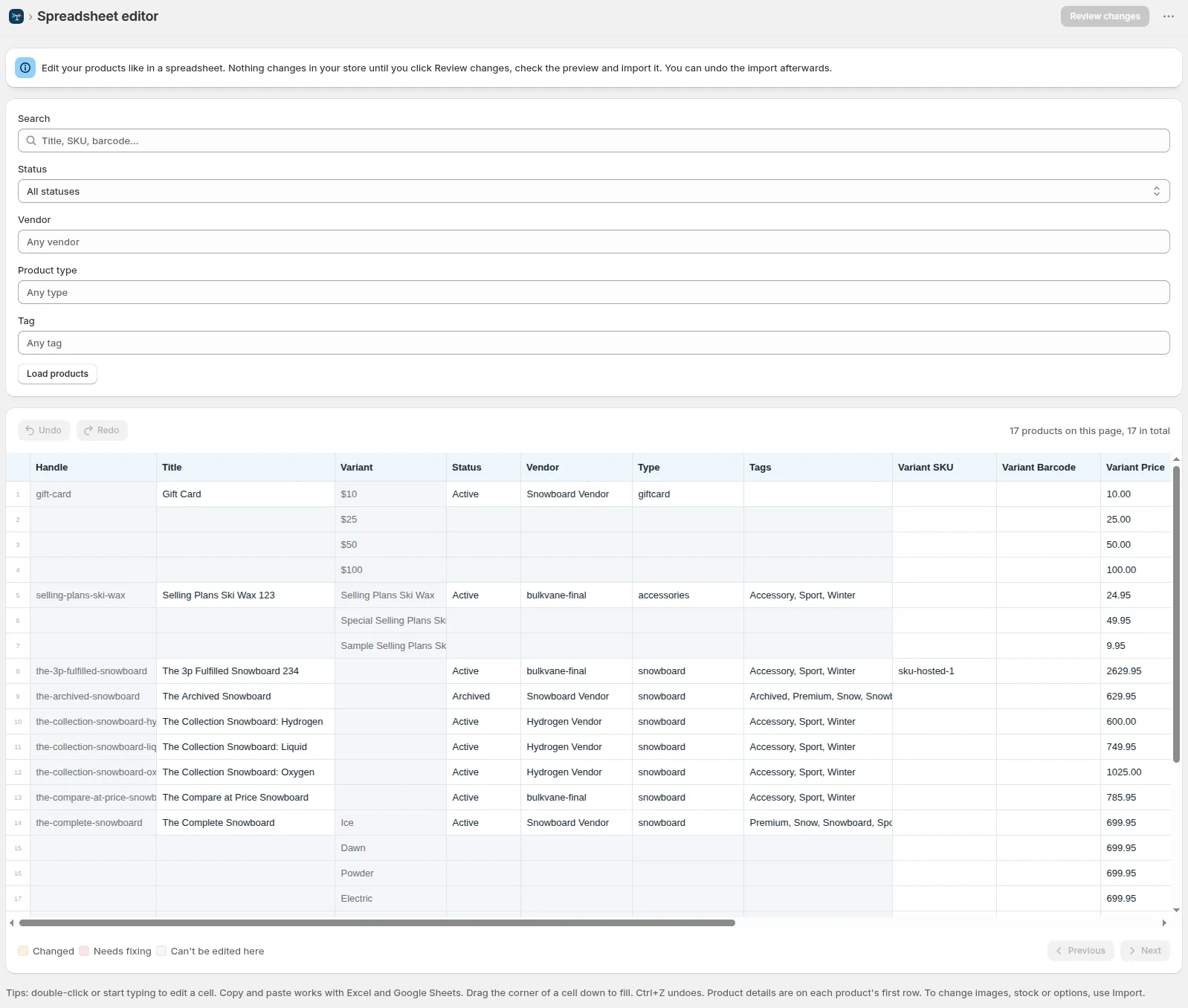
How to bulk edit Shopify productsFree CSV templatesBrowse the help center
Preview every change.Undo any import for 30 days.
Install free